A rent roll is a list of every rental unit you own, showing where each one stands on a single date, such as the first of the month. For each unit it shows the tenant, the monthly rent, what has been paid so far that month, what is still owed and when the lease ends. With two to ten units it fits on one page, so you can check all your rentals at a glance instead of opening each tenant's records.
Key Takeaways
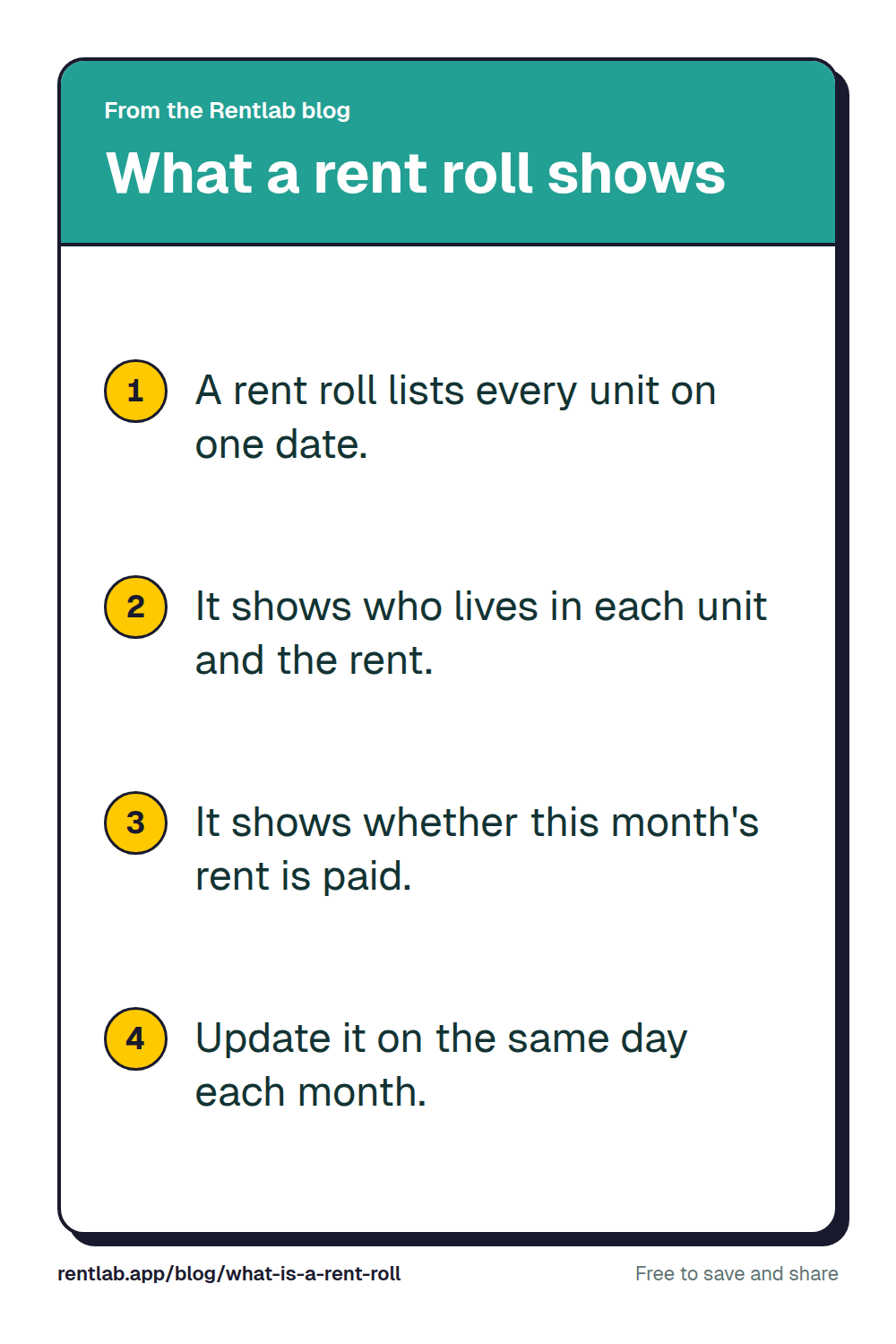
- •A rent roll lists every rental unit on one date, with its tenant, rent and payment status.
- •A rent ledger is different: it tracks one tenant's payments over time.
- •Start with seven columns: unit, tenant, lease start, lease end, monthly rent, paid this month and balance.
- •Update your rent roll on the same day each month.
What Is a Rent Roll?
Each row is one unit, and each column is one fact about that unit and its tenant. Every figure reflects the same date, so a June 1 rent roll shows what was paid by June 1. A payment that arrives on June 5 shows up when you next update it.
That one date is what makes a rent roll useful. It answers the questions you ask each month:
- Who has not paid this month, and how much do they still owe?
- Which units are empty?
- Whose lease ends soon, so you can start talking about a renewal?
- How much rent comes in each month when every tenant pays?
It is also the report other people ask for. A lender reviewing a loan on one of your rentals may ask for one, and so may a buyer looking at a property you own. They want your rent and occupancy as of a stated date, which they can check against your leases and bank deposits. A rent roll you update each month is ready when someone asks.
A rent roll can cover one building with several units or several properties with a few units each. What matters is that every unit appears in the same report, as of the same day.
Rent Roll vs. Rent Ledger: What's the Difference?
A rent roll and a rent ledger both help you track rent, but they answer different questions.
A rent roll shows every unit on one day. It tells you who occupies each unit, the monthly rent, and the payment status for the month you're reviewing.
A rent ledger shows one tenant's rent history over time. It records individual charges, payments and outstanding amounts across multiple dates. You can use it to see when a tenant paid, how much they paid, or how a balance developed.
For example, your rent roll might show that the tenant in Unit 3 has paid $650 of their $1,300 monthly rent, leaving a $650 balance. The tenant's rent ledger would show the payments behind that balance.
Think of your bank account. The rent roll is like your balance: where things stand today. The rent ledger is like your statement: every payment that led there. They work together, but they are not interchangeable.
Rent Roll Template: Copy These Columns
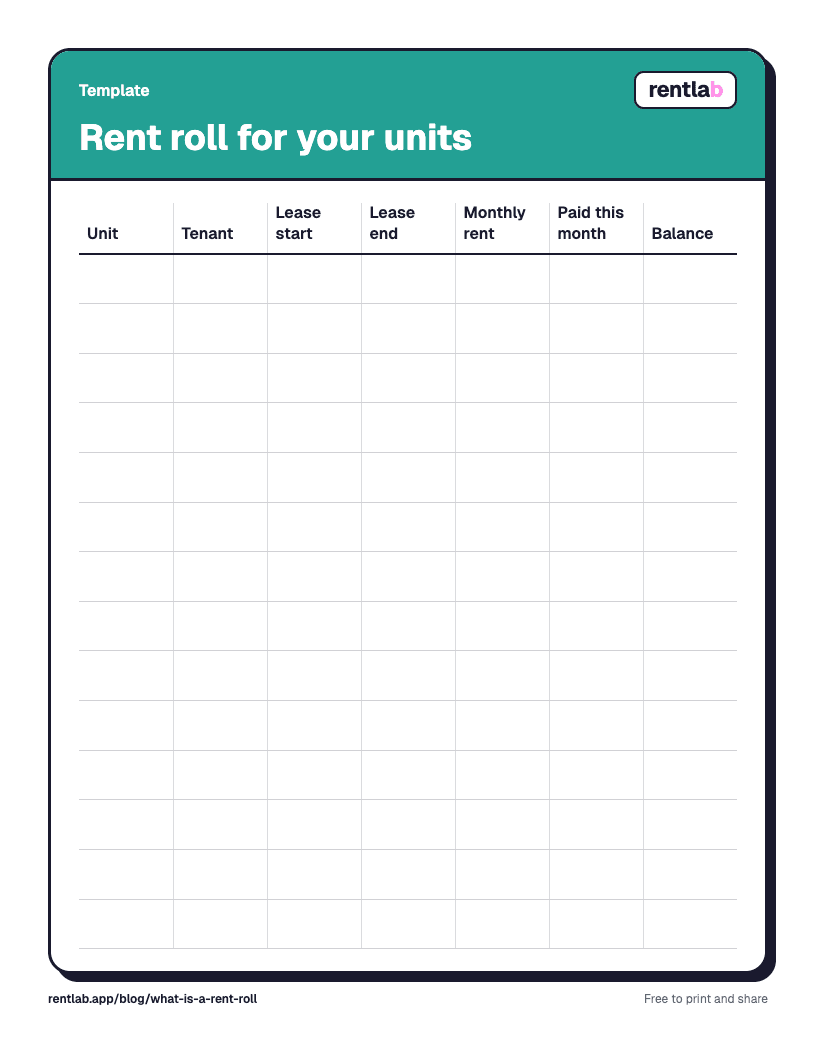
You can start with a spreadsheet and create a rent roll using seven columns. Copy the following list into your notes or use each item as a spreadsheet column heading.
- Unit
- Tenant
- Lease start
- Lease end
- Monthly rent
- Paid this month
- Balance
Enter one row per unit. Use the lease dates from your records, the monthly rent amount, the amount paid for the current month, and the remaining balance.
For the balance, subtract the amount paid toward the month's rent from the amount due. If the tenant has paid the full amount, the balance is $0. If the tenant has paid only part of it, the remaining amount is still visible on your rent roll.
Keep your format consistent from month to month. Use the same date format, currency format and payment status for every unit. That makes it easier to compare one month's rent roll with the next.
If you already track your rental expenses in a spreadsheet, keep that information separate in a rental property expense spreadsheet. Your rent roll focuses on rent and occupancy, while your expense records show what it costs to operate your rentals.
Rent Roll Example: Three Rental Units as of June 1
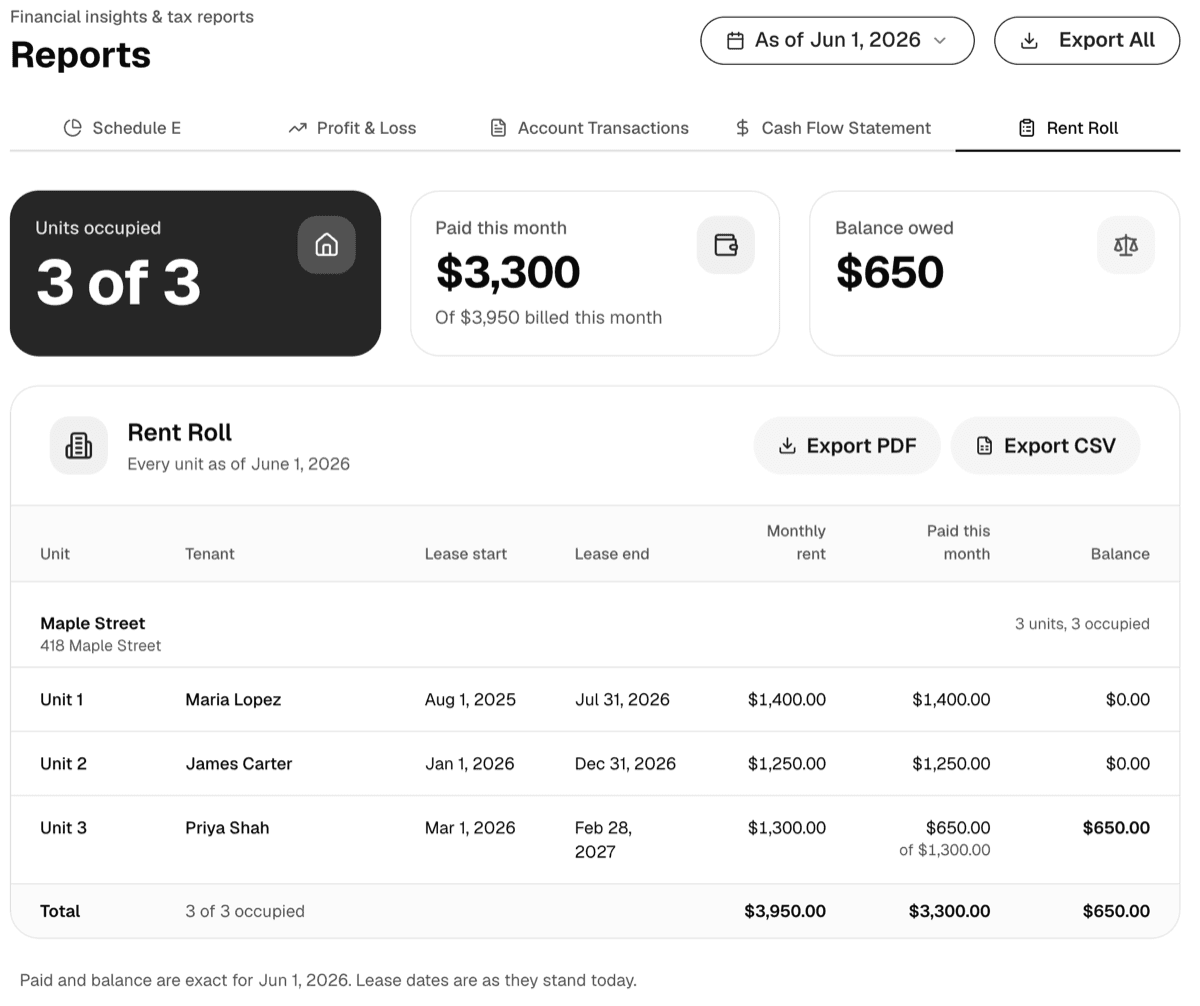
Here is a sample rent roll for a small landlord with three units. This example is dated June 1 and shows the rent due for June, how much each tenant has paid, and any remaining balance.
Example rent roll as of June 1
- Unit 1: lease start August 1, lease end July 31, rent $1,400, paid $1,400, balance $0.
- Unit 2: lease start January 1, lease end December 31, rent $1,250, paid $1,250, balance $0.
- Unit 3: lease start March 1, lease end February 28, rent $1,300, paid $650, balance $650.
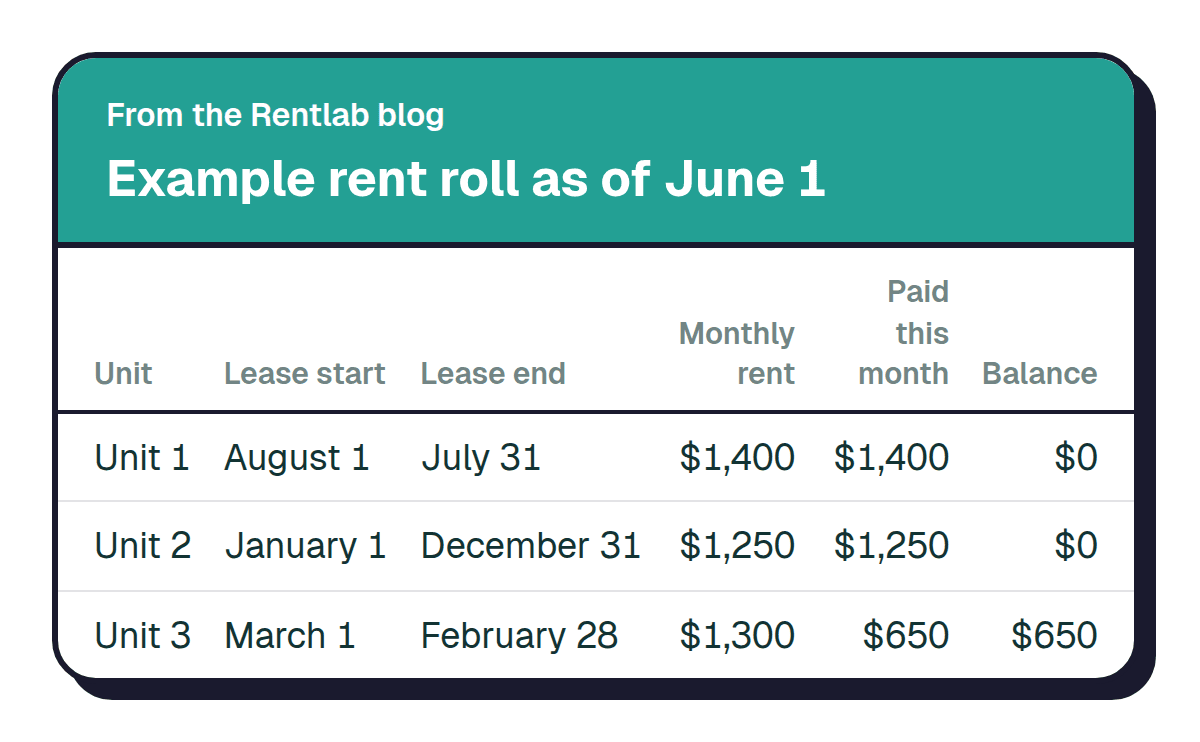
The example shows why a rent roll is useful even when you have only a few units. Units 1 and 2 have no remaining balance for the month. Unit 3 has a partial payment, so you can see the outstanding amount without searching through individual tenant records.
You can use the same format whether you own two units or ten. Add a line for each additional unit and update the figures to reflect the month you're reviewing.
Rentlab makes this table for you from the rent you record.See howWhen Should You Update a Rent Roll?
Update your rent roll on the same day each month. The first day of the month is one practical choice because it gives you a consistent date for reviewing rent across your rentals.
When you update it, check the following:
- Review each unit. Confirm that every rental unit you want to track is listed.
- Check tenant and lease information. Make sure the names and lease dates match your current records.
- Update the monthly rent. Enter the amount due for the month you're reviewing.
- Record payments. Update the amount each tenant has paid.
- Check outstanding balances. Confirm that each balance reflects the payments recorded for the month.
- Label the date. Write the date the report represents so you can tell which snapshot you're reviewing later.
If a tenant makes a payment after you prepare the report, update the payment information so the rent roll stays accurate. The IRS keeps an official guide to rental income records in Publication 527 (2025), Residential Rental Property.
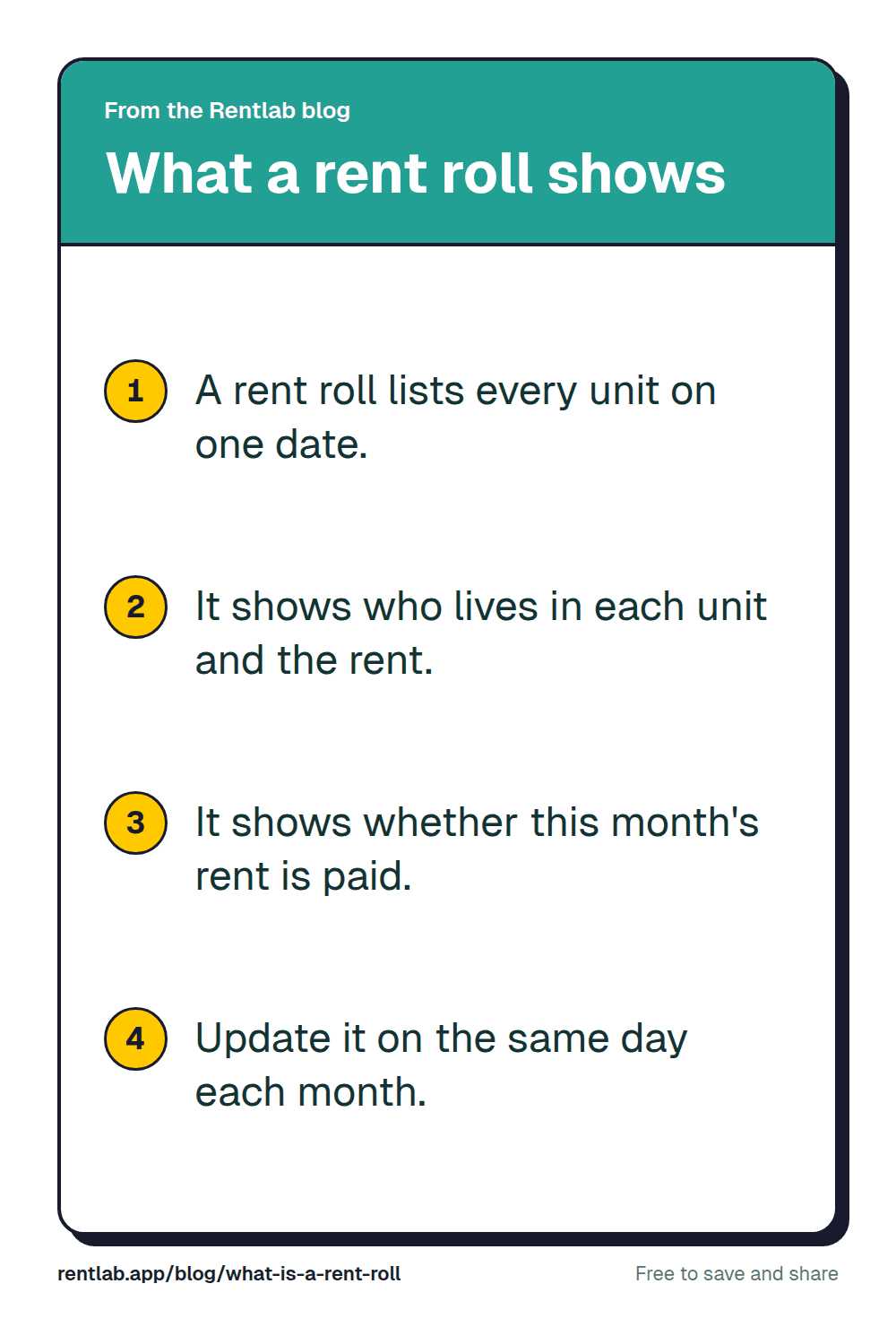
Start with the seven columns in the template, update the report on the same day each month, and keep your rent records consistent. To see what your units bring in together, use the rental income calculator.
Rentlab does this for you
Your rent roll, ready every month
Record rent as it comes in. Rentlab builds the rent roll for any date, as a PDF you can hand to a lender, or as a CSV with Pro.
FAQ
Stop rebuilding your rent roll by hand
Every unit, payment and balance in one place, so this month's rent roll is ready when you need it.
No credit card required